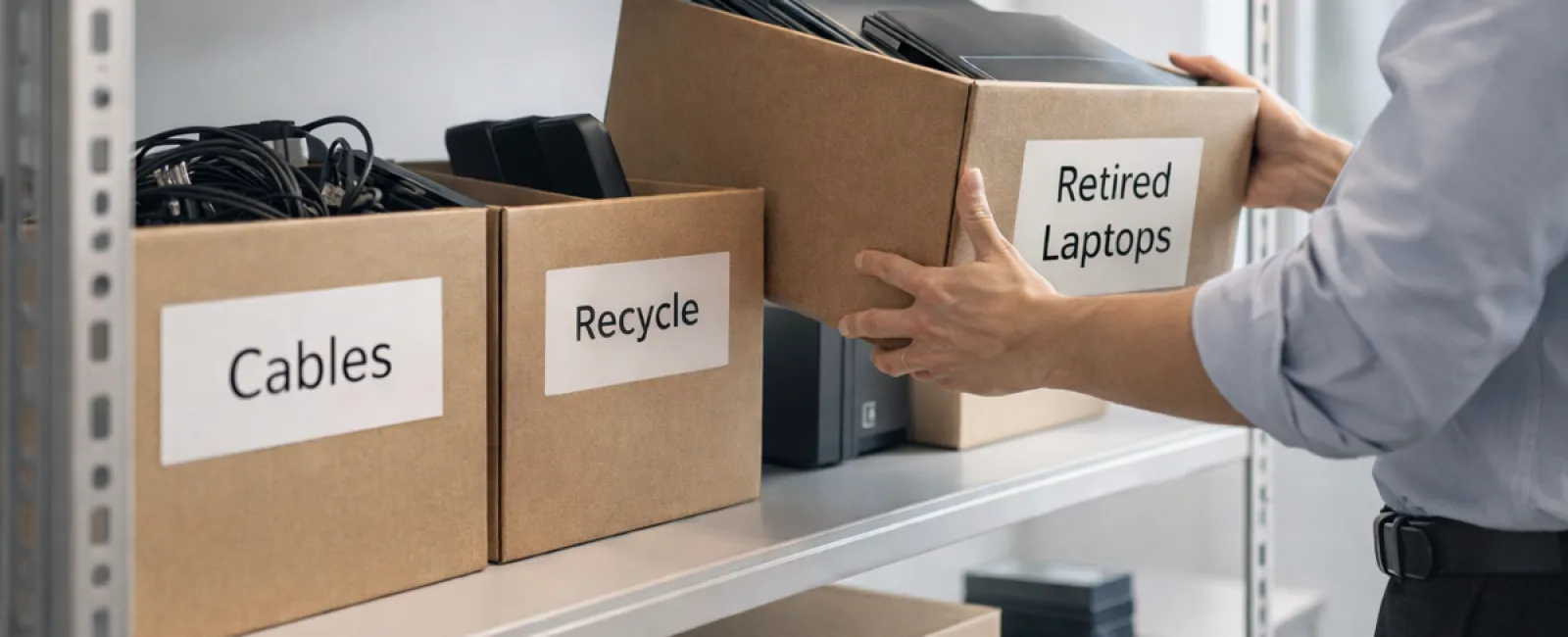
While spring cleaning often begins by tidying closets, many businesses face a bigger challenge: clutter hidden beyond racks.
This clutter might exist on server racks, but it could just as easily be accumulating in storage rooms, back offices, or forgotten piles marked "to handle later."
Think old laptops, outdated printers, backup drives from multiple upgrades ago, or boxes of cables kept "just in case."
Every organization encounters this issue over time.
The real question is not about its presence, but whether you have a strategic plan to manage this tech clutter effectively.
Understanding Technology's Lifecycle Beyond Purchase Date
Buying new tech usually has clear goals: faster performance, improved security, enhanced features, or supporting growth.
While many companies strategize around acquiring technology, few have a roadmap for retiring it responsibly.
Tech retirement often happens gradually and unnoticed: devices are swapped out, set aside, and eventually someone clears space.
This approach is common.
However, treating equipment retirement with the same care and planning as its purchase is far less typical.
Even obsolete devices hold value — whether reusable parts, recyclable materials, or sensitive data stored within. Leaving unused tech idle drains resources and space.
Spring offers a perfect moment to assess: What technology is still productive, and what is merely occupying space?
A Clear Approach to Streamline Your Tech Cleanup
To move from vague intentions to action, follow our straightforward four-step method.
Step 1: Conduct a thorough inventory
Identify exactly which devices are up for retirement: laptops, phones, printers, networking hardware, external drives? You manage best what you first recognize, and a detailed survey often uncovers more than expected.
Step 2: Determine each device's fate
Devices generally fall into three categories: reuse (internally or donated), recycle (through certified e-waste programs), or destroy (for sensitive data). Decide intentionally to avoid your hardware languishing in limbo.
Step 3: Prepare devices with care
Proper preparation makes a significant difference.
If reusing or donating, remove devices from management systems, revoke user access, and perform comprehensive data wipes—not simple factory resets. Deleting files or quick formats don't erase data, only hide it.
Research by security firm Blancco revealed that 42% of drives resold on eBay still held sensitive data, despite sellers' claims of data wiping. Certified erasure tools overwrite every sector and provide verification reports for your peace of mind.
For recycling, always choose certified e-waste collectors instead of discarding in trash. Note: popular programs like Best Buy's accept only residential waste, not commercial e-waste.
Businesses require certified IT asset disposition (ITAD) providers with e-Stewards or R2 certifications. Your IT team can often assist with coordination.
If destruction is necessary, use certified data wiping or physical destruction methods (shredding or degaussing) and maintain detailed records including serial numbers, destruction methods, dates, and responsible personnel.
This isn't about paranoia—it's about responsible closure.
Step 4: Document and finalize
Once equipment departs your premises, ensure clear records reflect where it went, how it was handled, and that access was revoked. Good documentation eliminates lingering uncertainties.
Commonly Overlooked Devices
While laptops get attention, many other devices often get forgotten.
Phones and tablets often contain email accounts, contacts, or authentication apps. Factory resets address some concerns, but certified mobile wiping tools offer thorough erasure. Major manufacturers like Apple and Samsung provide trade-in programs—even for older devices, potentially earning credit toward new purchases.
Modern printers and copiers usually house internal drives storing copies of everything printed, scanned, copied, or faxed. When returning leased equipment, obtain written confirmation that these drives will be wiped or removed before reuse.
Batteries are classified as hazardous waste by the EPA. In many states (California, New York, Minnesota), discarding rechargeable batteries in regular trash is illegal for businesses. Always remove batteries when possible, tape terminals to prevent shorts, and bring them to certified drop-off sites. Visit Call2Recycle.org for locations; Staples, Home Depot, and Lowe's accept rechargeable batteries at most outlets.
External drives and retired servers tend to remain stored far longer than intended but deserve the same careful retirement process as other devices.
Essential Recycling Insights
April's Earth Day serves as a helpful reminder.
Electronic waste must never reach landfills. With over 62 million metric tons of e-waste created annually worldwide, only about 22% is properly recycled. Batteries, monitors, and circuit boards belong in specialized recycling channels. Certified e-waste recycling programs are widely available for this purpose.
Handled correctly, retiring tech becomes an opportunity to boost operational efficiency, protect the environment, and maintain data security. It's never a choice between responsibility and safety—you can and should achieve both.
Plus, showcasing responsible tech disposal on your social media can impress customers who value environmental stewardship done quietly and effectively.
Unlocking Greater Potential
Spring cleaning isn't just about clearing away clutter—it's about creating room to grow.
Removing outdated equipment is just one step. Take this chance to evaluate whether your technology truly supports your business objectives.
While hardware changes steadily, today's competitive advantage comes from software, integrated systems, automation, and optimized workflows that maximize productivity and profits.
Keeping up with proper tech retirement is good housekeeping; aligning your entire tech ecosystem with your vision is key to sustained success.
How We Support You
If a clear, effective device retirement process is already in place, fantastic. This should feel routine and straightforward.
If not, or if you want to revisit the bigger picture, now's an ideal time. Are your systems optimized? Do your tools integrate seamlessly? Is your technology fueling growth or merely maintaining the status quo?
We're here to help you step back and assess how your tech stack, workflows, and systems impact your productivity and profitability.
No equipment checklists or aggressive sales pitches—just honest conversations about enhancing technology's role in your business.
Click here or give us a call at 973-439-0306 to schedule your free 15-Minute Discovery Call.
If this inspired you, we encourage sharing it with fellow business owners.
Spring cleaning goes beyond closets — it includes the technology that keeps your business thriving.